TabletopFor Windows & Mac

One board for every reference you keep.

Tabletop is a free-form board for photos, videos, notes and links: pinned, arranged, and always in view, however large the collection grows.

Download for Windows
Free · No account needed
A Tabletop board holding product renders, a video card, a link preview and colour-coded notes side by side, with a card at the top saying seven of twelve items have been imported
Tabletop in light mode: a selected note with the formatting bar open above it, showing the typeface menu, italic and underline, next to two notes in other colours
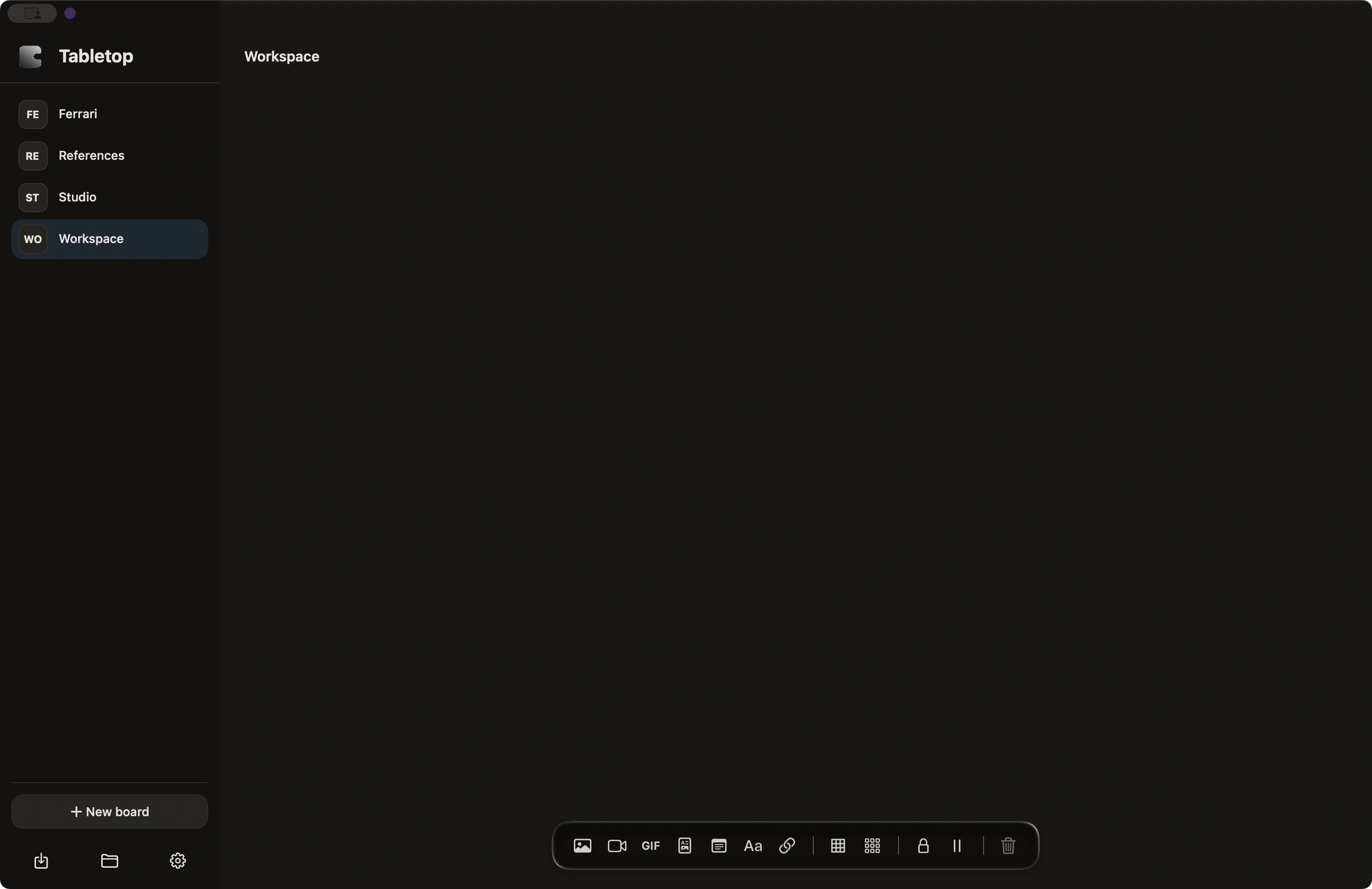
Tabletop in dark mode: four cards held inside a dashed multi-select box, a clip playing with its play and sound icons resting on the footage, and the dot grid visible

Any reference, dropped in

Photos, videos, GIFs and links land as cards the moment you drop or paste them. No import dialog in the way.

Notes that carry weight

Type a note or a heading anywhere on the board, then set its typeface, size, weight, italic, underline, alignment and colour from the bar that follows the selection.

A heavy import says so

Anything that takes more than a moment raises a card telling you what is coming in and how far along it is, with a way to stop it. Quick ones pass in silence.

Sound, one clip at a time

Ask a video for sound from its player bar and only that one speaks. It falls quiet when you move to another card, or when you leave the window for something else.

Group what belongs together

Draw a box around related pieces and move, resize or recolor them as one. The membership updates as you go.

Rearrange without worry

Every move, resize and layout pass is on the undo stack, so trying a new arrangement never feels risky.

Frame it, and look

Double-click a card, or press space, and the board flies to it. Press it again with nothing selected and the whole collection comes back into view.

Stays out of the way

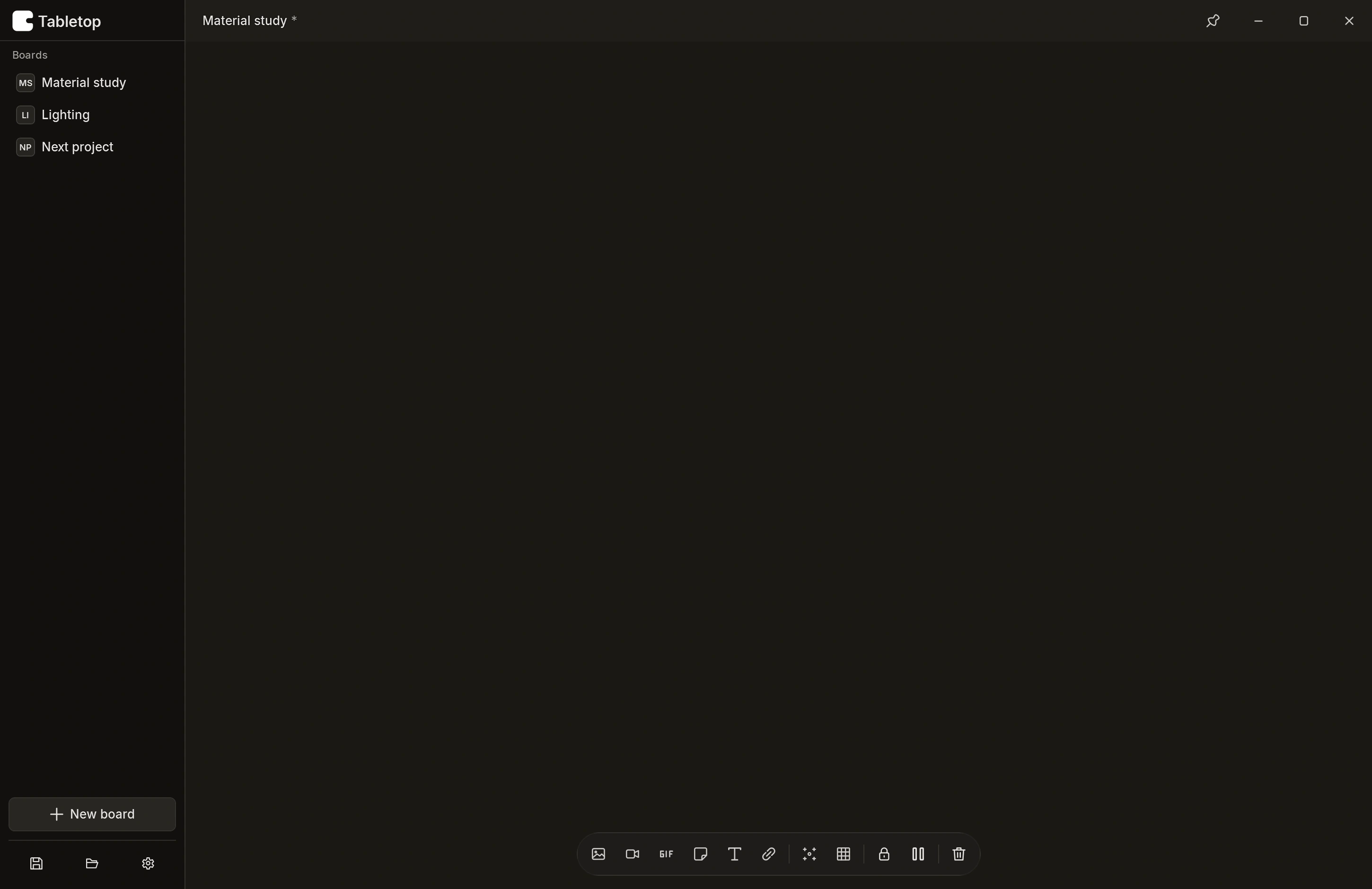
Pin it above whatever you are working in, and the toolbar slips away until you reach for it. Light and dark, whichever suits the room.

Yours to keep

Boards save to a single .table file on your machine. No account, no sync, nothing phoning home.

Updates itself, quietly

When there is a new version it says so once, downloads it inside the app with a progress bar, and puts you back where you were. No browser, nothing left in Downloads.

Get Tabletop

One installer, ready in under a minute.

Download for Windows